
Benefits
Accurate Change Detection: Identifies added, modified, and deleted elements instantly, reducing manual errors and ensuring reliable revision control.
Cost Savings: Highlights fabrication-wise changes, helping teams reuse materials, reduce scrap, and avoid unnecessary manufacturing.
Increased Productivity: Automates comparison across large models, significantly reducing QA/QC time and speeding up approval workflows.
Better Decision Making: Provides both model-wise and fabrication-wise insights so teams can understand true project impacts before executing changes.
Improved Coordination: Delivers clear, color-coded results that enhance communication between engineering, detailing, and fabrication teams.
Reduced Rework: Detects changes early in the process, preventing costly re-fabrication and site-level confusion.
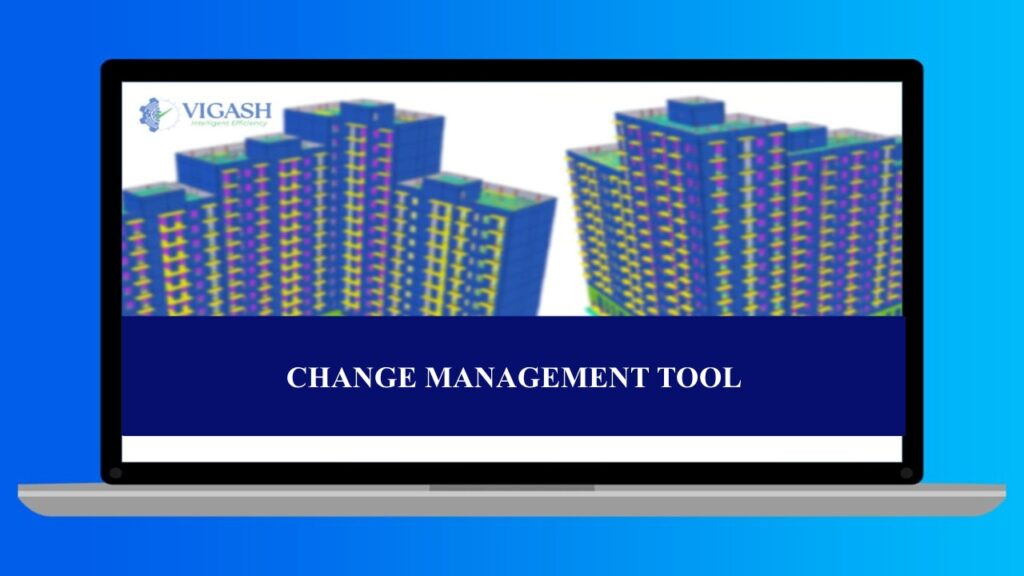
The Change Management Tool is an intelligent model comparison plugin for Tekla Structures that analyzes two versions of a model and instantly identifies what has been added, modified, and deleted. By providing both model-wise and fabrication-wise comparisons, it helps project teams understand true impacts on production, reuse existing materials, minimize scrap, and make faster, data-driven decisions. This tool eliminates manual tracking errors, speeds up revision control, and significantly reduces rework across detailing and fabrication workflows.
Key Features
Model Comparison:
Compares two versions of the model and highlights additions, modifications, deletions, and unchanged elements with clear color coding.
Fabrication-Wise Analysis:
Identifies the differences that truly impact fabrication, helping teams reuse materials and avoid unnecessary rework.
Assembly-Level Comparison:
Allows comparison at the assembly level for better tracking of revision packages and grouped changes.
Ignore Numbering Option:
Skips numbering differences to ensure only meaningful geometric or property changes are flagged.
Change Visualization:
Uses intuitive colors to represent change types — blue for added, magenta for modified, green for unchanged, and red for deleted.
Instant Zoom Function:
Double-click any result to automatically zoom to that element in the model for quick review and correction.
Detailed Change Output:
Provides structured results for deeper inspection, making it easy to identify and understand complex revisions.
On-Top Display Mode:
Keeps the tool visible while navigating the model, ensuring a smooth and uninterrupted comparison workflow.